
Instant eSIM delivery: Sent straight to your email.
Activates on arrival: Your eSIM starts counting once it connects at your destination.
24/7 customer support: Our team helps you install and activate your eSIM.
Live tracking: Easily check your data usage at any time.
Singapore
VND 28,800
VAT included
Choose your validity, then select the data allowance for your trip.
Validity
Data allowance
Quantity: 1
Technical details for Singapore
These details change with the plan you select above. Read them carefully before buying so you pick the right plan for your trip.
Data and speed
- Selected plan: Singapore · 1GB / day · 1 day
- Validity: 1 day
- Plan type: Daily data
- High-speed data: 1 GB per day
- Usage policy:
1 GB of high-speed data per day. After that, speed drops to 128 kbps.
Activation and validity
- Activation: Automatic when the eSIM first connects to a network at your destination
- How a day is counted: A day ends at 23:59 GMT+8
- Identity verification (KYC): Not required.
eSIM and devices
- SIM type: eSIM
- Phone number: None, the eSIM is data-only
- Top-up: Not available; buy a new plan when your data or validity runs out
- Supported devices: An eSIM-capable, carrier-unlocked phone.
Coverage
- SingaporeOperators: M1, Singtel · Network: 4G, 5G · APN: mobile.three.com.hk
Details as published by our plan partner; they may change with the mobile operator's policy.
Before choosing your plan
Staying connected in Singapore
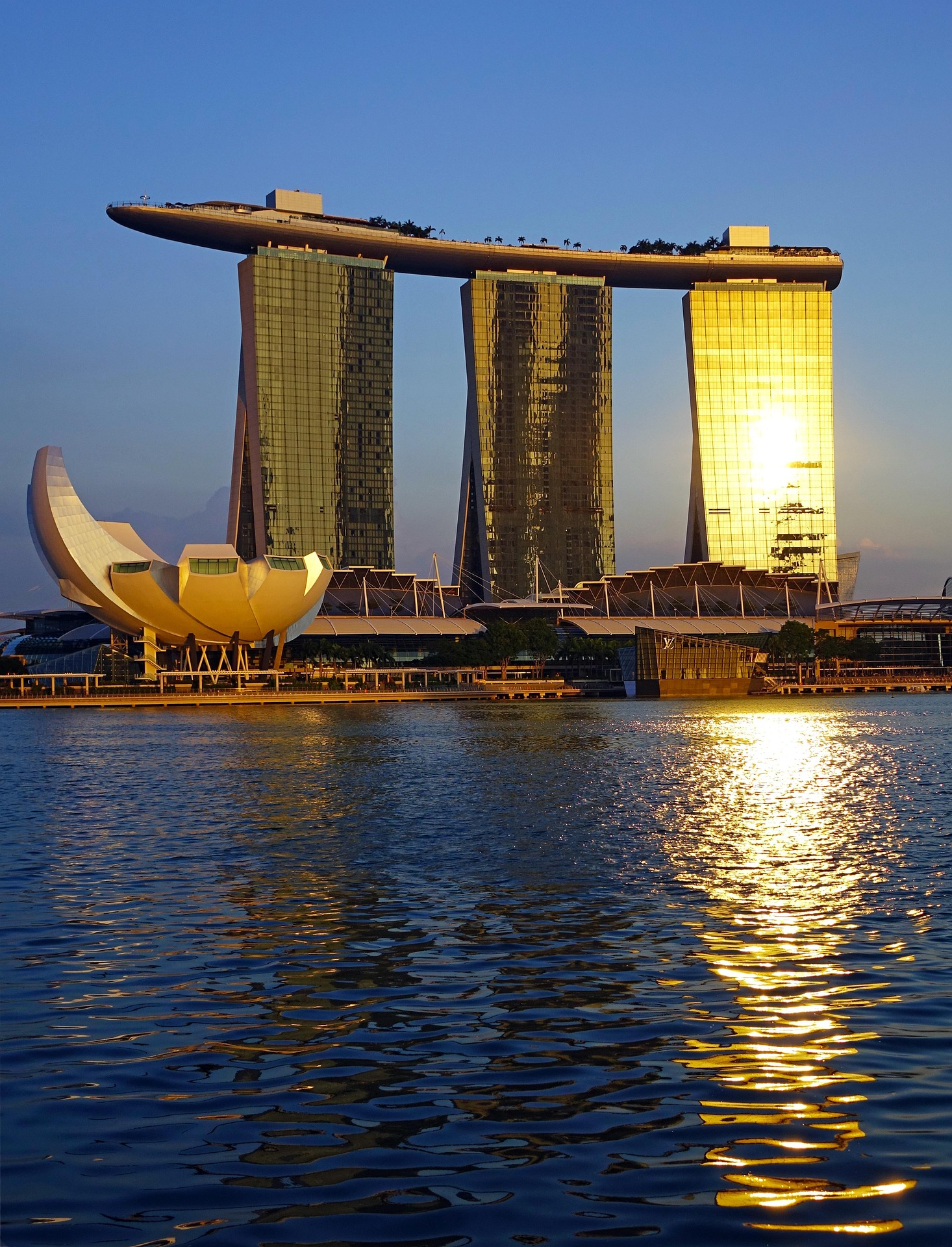
Singapore is a favourite first overseas trip for families: three or four days around Marina Bay, Gardens by the Bay, Sentosa and Universal Studios, with meals at hawker centres and shopping on Orchard Road. It is also a major hub for business, conferences and transit through Changi Airport.
It is hot and humid all year and downpours arrive without much warning, so data is most useful when plans change with the weather: booking a ride, checking the MRT, buying attraction tickets online and showing QR tickets at the gate.
Coverage and networks
The plan information names these networks in Singapore: M1 and Singtel.
Continuing to Johor Bahru or Kuala Lumpur? See the Singapore & Malaysia plans.
Signal and speed depend on where you are, your device and network conditions, and can differ between plans.
Choosing a data allowance
eSIM plans for Singapore currently last 1 to 30 days and come in these types:
- Daily data (500MB to 100GB per day): suits a steady routine. Check when the daily allowance resets and what happens once it is used.
- Total data (3GB to 50GB): one allowance for the whole trip, handy when some days are heavier than others.
- Unlimited: always read the fair-use policy; after a set amount, speed may be reduced.
Suggestions for this trip
- A 3–4 day family trip: 1GB of daily data covers maps, rides and messaging; if your hotel Wi-Fi is good and evenings are quiet, 500MB a day can work.
- Posting videos from Gardens by the Bay or Universal, or making regular video calls: 2GB or 3GB a day.
- Business trips with documents and online meetings: 5GB or 10GB of total data for 5–7 days, or an unlimited plan (fair-use policy applies).
Count your arrival and departure days. Before paying, check the exact plan for when validity starts, how days are counted, and whether hotspot, calls or SMS are included; these differ between plans.
Before you go
- Ride-hailing: Grab is the most widely used, alongside Gojek, TADA and ComfortDelGro's CDG Zig taxi app.
- MRT and buses: Tap a contactless Visa or Mastercard, or your phone wallet, at the gates; no separate travel card is needed.
- Public Wi-Fi: The free Wireless@SG network covers malls, libraries and many public spaces; visitors sign up with their own mobile number and receive the password by text.
- Hawker centres: Many stalls take only cash or local QR payments, so carry some Singapore dollars.
- Local SIM: Sold at Changi Airport and convenience stores; registration requires your passport.
- eSIM setup: Before buying, make sure your phone supports eSIM and is not carrier-locked. Install the eSIM before you fly, on a stable Wi-Fi connection, following the instructions sent with your plan.
- On arrival: Set the travel eSIM as your mobile data line and follow its roaming instructions. Turn off data roaming on your home SIM to avoid unexpected charges.
Handy tips for using your eSIM
Smooth side-by-side use
Keep your main SIM in the phone for calls or OTP codes and use the travel eSIM as your data line. All you need to do is pick the right SIM for mobile data in your settings.
When to install
Install the eSIM before your trip while you have a stable Wi‑Fi connection. On arrival, select the eSIM as your data line and turn on roaming exactly as the plan instructs.
What makes Simtel stand out?
Easy preparation before your trip. Peace of mind when you arrive.
Instant eSIM delivery & activation
The eSIM is delivered by email after payment; you can configure it before departure and use it when you arrive.
eSIM — no SIM swap needed
With an eSIM there is no shop to find, no SIM to wait for and no SIM tray to open; the whole process is digital.
No identity verification (KYC)
Travel data eSIM purchases do not require identity documents or long-term commitments.
Dual SIM support
Keep your primary SIM for calls or OTPs and use the eSIM as the data line during your trip.
No app required
No separate app is required; eSIM details and setup instructions are provided directly after purchase.
Here for you, 24/7
The Simtel team is here to help with eSIM installation and activation, whatever your time zone.
Frequently asked questions
Will there be any additional fees or charges when using the eSIM?
No. The price in your order already includes all costs, and there will be no additional charges during usage.
Will installing or inserting a travel SIM/eSIM affect my existing SIM/eSIM on the device?
No. Your existing SIM/eSIM will not be affected; you can use them simultaneously and switch between them flexibly in the settings.
How long will it take to receive the eSIM after successful payment?
The eSIM QR code will be sent via email within 2 minutes. Please ensure that you enter the correct email address when placing your order and check your Spam/Promotions folders. If you have not received it, please contact Simtel customer support for assistance.
When should I install the eSIM after receiving the QR code via email?
When installing the eSIM, please ensure your device has a stable 4G or WiFi connection. Therefore, it is recommended to install the eSIM about 2–3 hours before departure.
Can I make calls or send messages?
Simtel provides both data-only and call-enabled SIM/eSIM. Depending on the plan you choose, the SIM/eSIM may support full features or data usage only.
When using a travel SIM/eSIM and turning off my primary SIM, can I still use Zalo, Messenger,..?
Yes. As long as you have an internet connection from the travel SIM/eSIM, you can continue using Zalo, Messenger, and other apps normally even if your primary SIM is turned off.
Can I use WhatsApp, Viber, or Zalo with an eSIM?
Yes. You can still use calling and messaging apps such as WhatsApp, Viber, Zalo, etc., when using a travel eSIM.